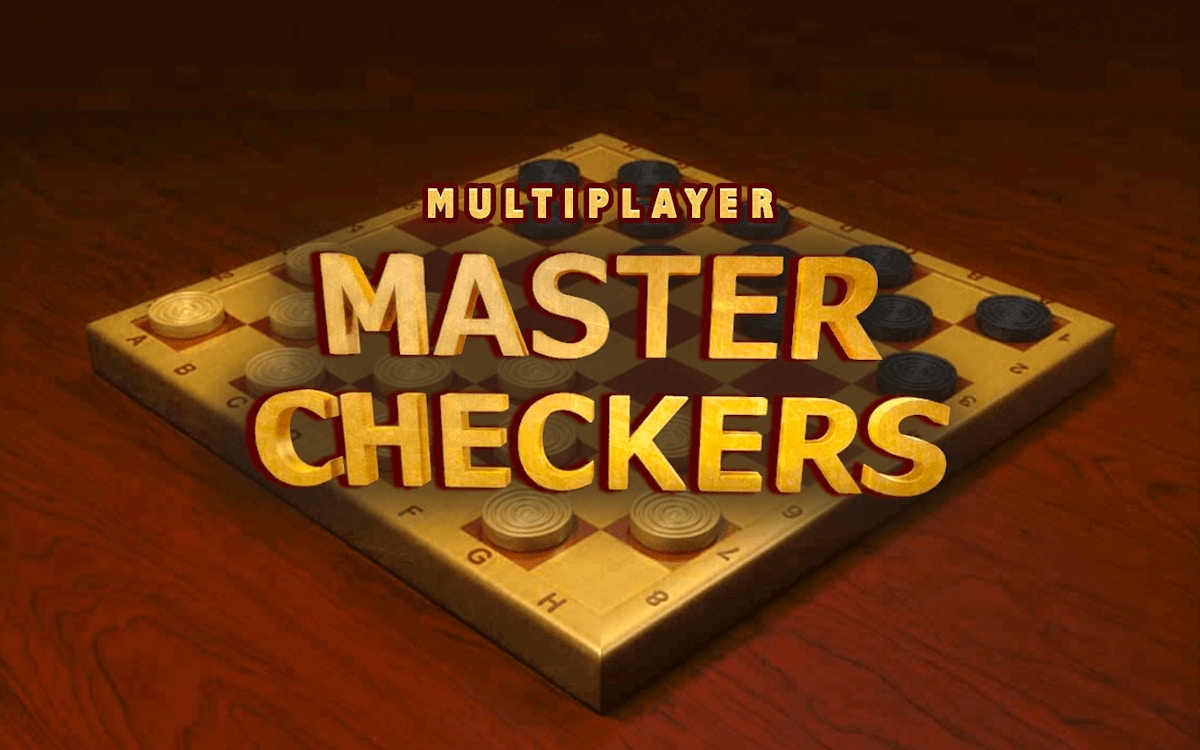
Master Checkers Multiplayer
2 players · both
Two people, one computer, one keyboard – no matchmaking, no signup, no waiting for a server. These are the games you load when a friend is sitting next to you and you both want to play right now. Split the keyboard (WASD vs arrows), pass the mouse for board games, or hand off the controller between rounds.
2 players · both
1-2+ players · both
1-2+ players · both

1-2 players · local

1-2 players · both

1-2+ players · local
2+ players · local
1-2+ players · local

1-2+ players · local
1-2+ players · local
1-2+ players · local

1-2+ players · local
1-2+ players · local
1-2+ players · both

1-2 players · local
1-2 players · local
1+ players · local
1+ players · local
1+ players · local
1-2+ players · local
1-2+ players · local
1-2+ players · local
1-2+ players · local
1-2+ players · both
Local two-player games are the fastest way to play with someone who's physically in the room with you. No account, no invite links, no ping issues – just load the page and pick who's WASD and who's arrows. This collection covers three setups: shared keyboard (both players moving at the same time), pass-and-play (turn-based, one mouse), and mixed (two on keyboard, one on mouse for a third player).
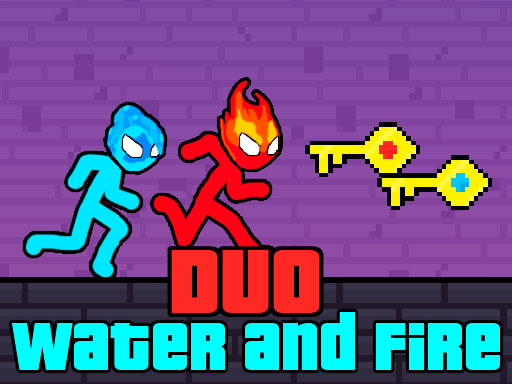
Simultaneous keyboard play is the classic couch setup. Nightmare Runners splits movement and jumping between two players and puts them in the same obstacle course. Gang Fall Party gives each player independent movement, run and punch, so it plays more like a fighting game. Duo Water and Fire is the classic fire-and-water two-player formula – water avoids lava, fire avoids water, both need the key. MCATLANTS works best when both players coordinate on objectives instead of competing.
When you don't want to fit four hands on one keyboard, use turn-based games that share a single mouse or touchscreen. Carrom Pro has three rulesets (Classic, Disc Pool, Freestyle) and clean physics that feel closer to a real wooden board than most browser versions. Master Checkers Multiplayer and Turkish Draughts run standard tabletop rules with forced captures. Backgammonia has a dice-based flow that's naturally suited to sharing one pointer.
Most games here are built for two, but a few document a third-player slot. Fish Eat Getting Big and Fish Eat Fish 2 let two people use keyboard layouts and a third person use the mouse. Handy when someone joins mid-session.
Load a local game when you and your friend are in the same room and share one screen. If you're playing with someone remote, browse online two-player games instead – matchmaking or room codes will connect you across devices. Games tagged "both" work either way. For larger groups, the full multiplayer collection has team formats and public arenas.
Yes. Every game here supports either a shared keyboard (both players active at once), pass-and-play turns on one mouse, or a mix of both. The player count and control setup is listed on each game page.
No. All the games in this collection are designed around keyboard sharing or mouse passing. Some also accept a gamepad if you have one, but nothing here requires it.
For couples specifically, Duo Water and Fire (cooperative puzzles), Nightmare Runners (side-by-side races) and Master Checkers Multiplayer (slower strategy) are the three most-played picks.
The games are HTML5 embeds that load through the browser, so you need an internet connection the first time. Some may cache and keep working briefly if the tab stays open, but they're not designed as offline games.
For more ways to choose a shared-device game, read our two-player browser game testing guide.