4 Colors Multiplayer – Uno-Style Card Game Online
Ready to play 4 Colors Multiplayer?
The official third-party game and its advertising services load only after you start.
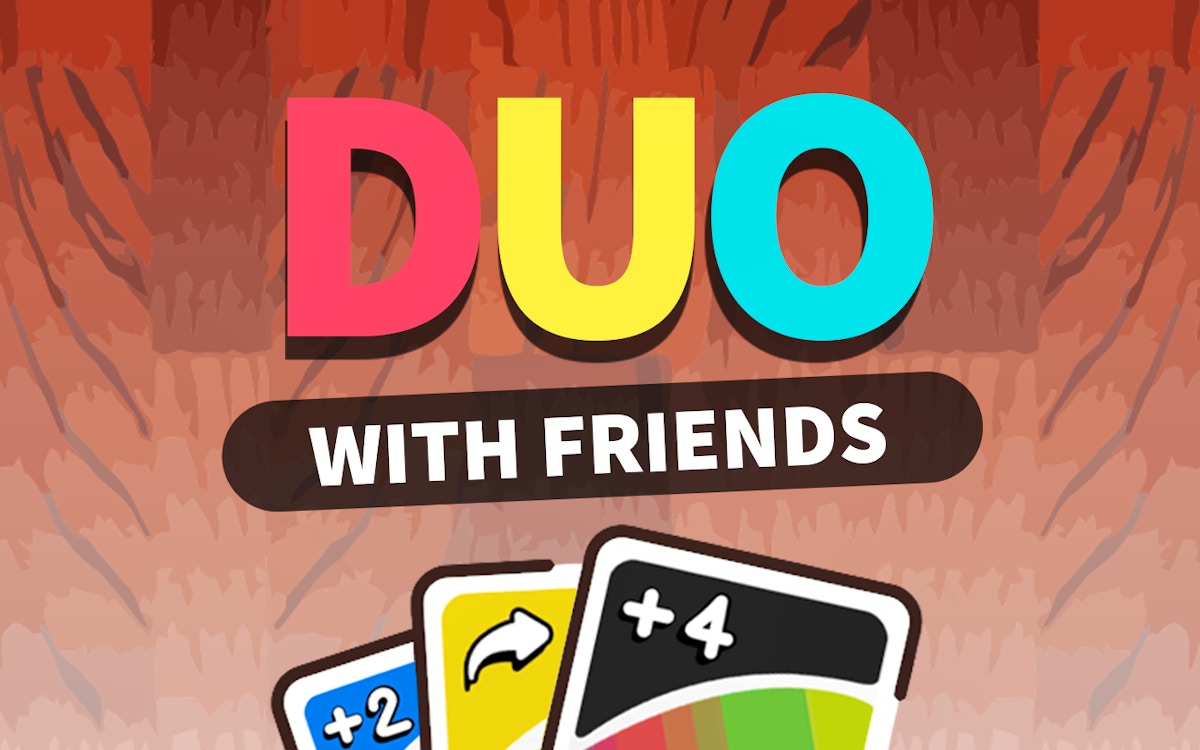
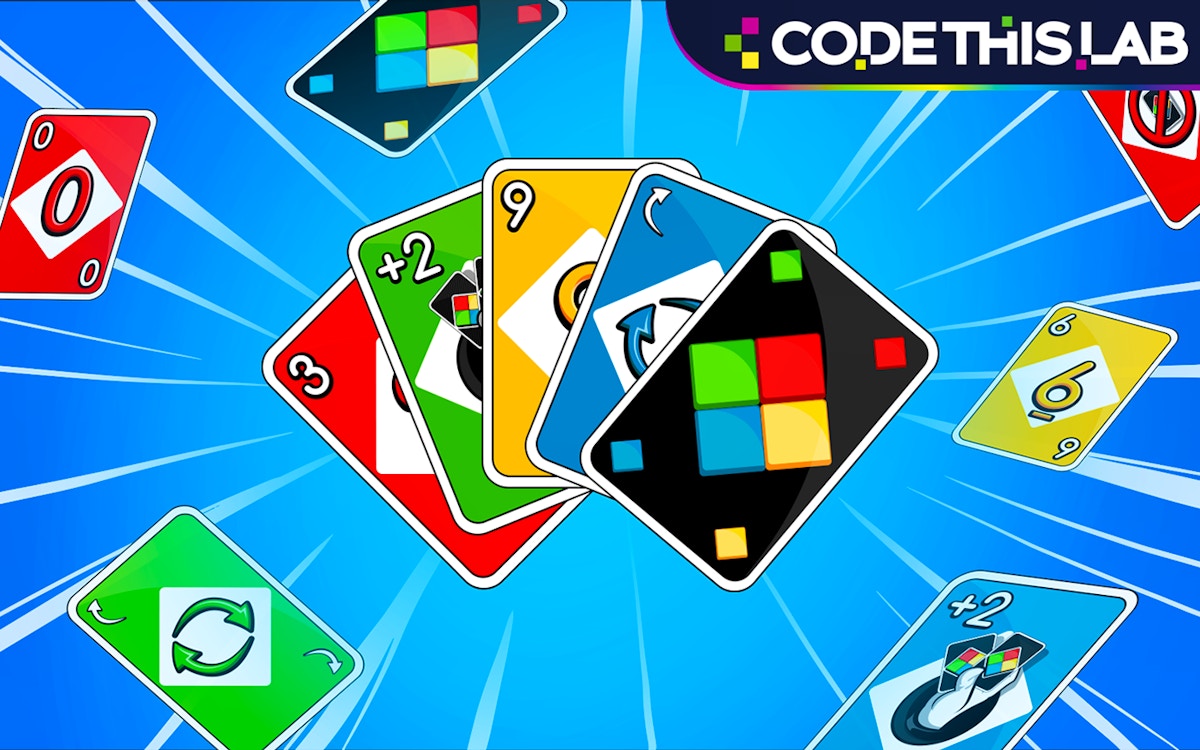
An Uno-style multiplayer card game with the classic four suits by color. Match by color or number, use skip, reverse and draw cards to control the flow of play. Fast rounds, low commitment. Works well with 3 or 4 players – this page is essentially free online Uno without the branding.
Quick facts
- Players: 1-2+
- Play type: local
- Input: Use the mouse or touch controls to select pieces, cards or board positions, and follow the legal-move prompts shown in the game.
- Device setup: For local play, share the device and check the mode screen before starting.
- Friend connection: No online invitation is required for the shared-device mode.
About 4 Colors Multiplayer
Dive into the fast-paced card game action of 4 Colors Multiplayer! Choose solo, AI or multiplayer options from the game menu when available, and play directly in a modern browser without downloading the game.
How to play 4 Colors Multiplayer
Dive into the fast-paced card game action of 4 Colors Multiplayer!
Controls
Use the mouse or touch controls to select pieces, cards or board positions, and follow the legal-move prompts shown in the game.
Game modes
Solo and shared-device multiplayer options are available.
Tips for playing
- Open the mode menu before starting so every player understands the setup.
- Use an early round to learn the controls before playing competitively.
- If a match offers both AI and multiplayer choices, practice against the AI first.
Why we picked this game
4 Colors Multiplayer adds a reviewed card option to the site's multiplayer catalog and uses an official attributed GamePix embed.
What to know before playing
Exact control keys and friend-connection steps can vary by mode, so follow the prompts displayed inside the current game version.
Game details
- Players: 1-2+
- Play type: local
- Developer: GamePix partner developer
- Official source: GamePix
- Last reviewed: 2026-08-12